Setup Backup - Restore Notifications
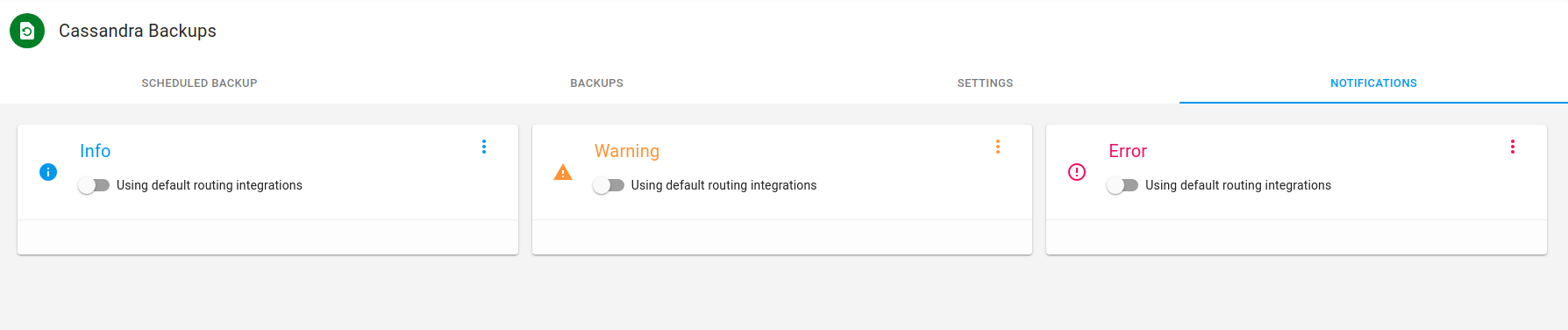
On the AxonOps application menu, click Operations -> Backups -> Setup and select Notifications tab.
Notification Severities.
Notification Severities.
For each notifications severity  Info
Info  Warning
  Error
you can either use the slider
Error
you can either use the slider  to use the default routing or use the
  icon to customize the notification integrations.
Notice:
selected
Infomy
Customize Notifications.
To customize notifications click on select the integrations that you require and click Close.
Infomy
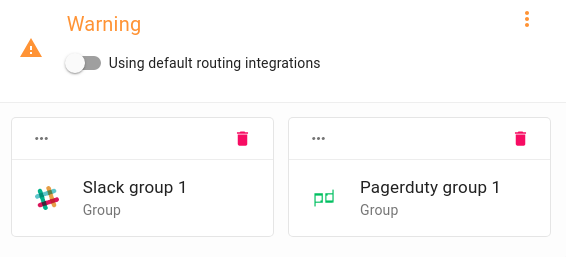
Noticed: The
Warning Integrationwere customized. You can remove these by clicking the.
If you want to remove default routing groups from a severity and create custom groups , use the slider bar to remove default routing
clicktheIf you do not require any notifications
ensurethedefault routingis off
Infomy