Setup Service Checks
Add Service Checks
On the Axonops application menu, click Service Checks and select Setup tab.
Infomy

Create Services
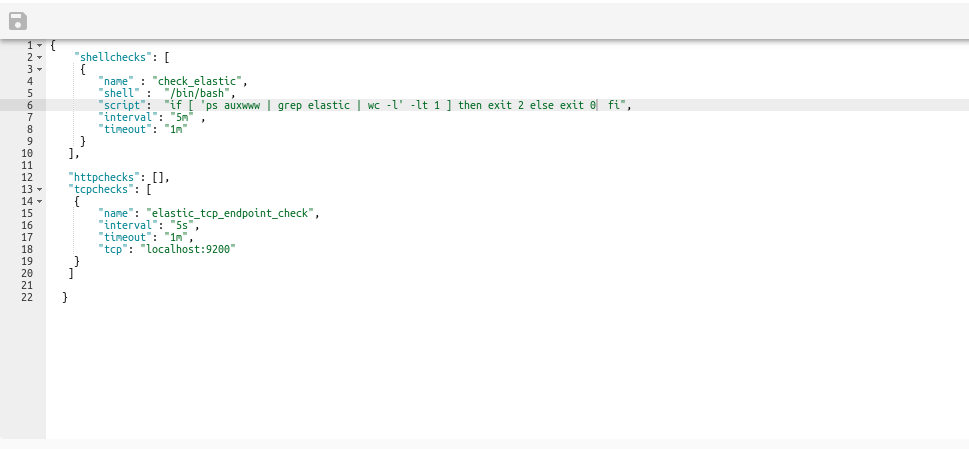
Below there few examples copy and Paste inside. and click save 
{
    "shellchecks": [
     {
        "name" : "check_elastic",
        "shell" :  "/bin/bash",
        "script":  "if [ 'ps auxwww | grep elastic | wc -l' -lt 1 ] then exit 2 else exit 0  fi",
        "interval": "5m" ,
        "timeout": "1m"
     }
   ],

   "httpchecks": [],
   "tcpchecks": [
    {
        "name": "elastic_tcp_endpoint_check",
        "interval": "5s",
        "timeout": "1m",
        "tcp": "localhost:9200"
    }
   ]

}
Example:
Infomy
Delete Services
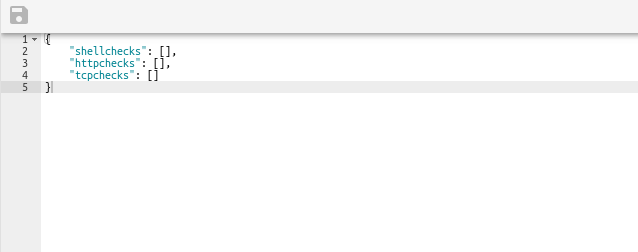
To Delete a service copy and Paste inside. and click save
{
    "shellchecks": [],
    "httpchecks": [],
    "tcpchecks": []

}
Example:
Infomy