Topic Access Control List (ACL).
Create an Access Control List (ACL).
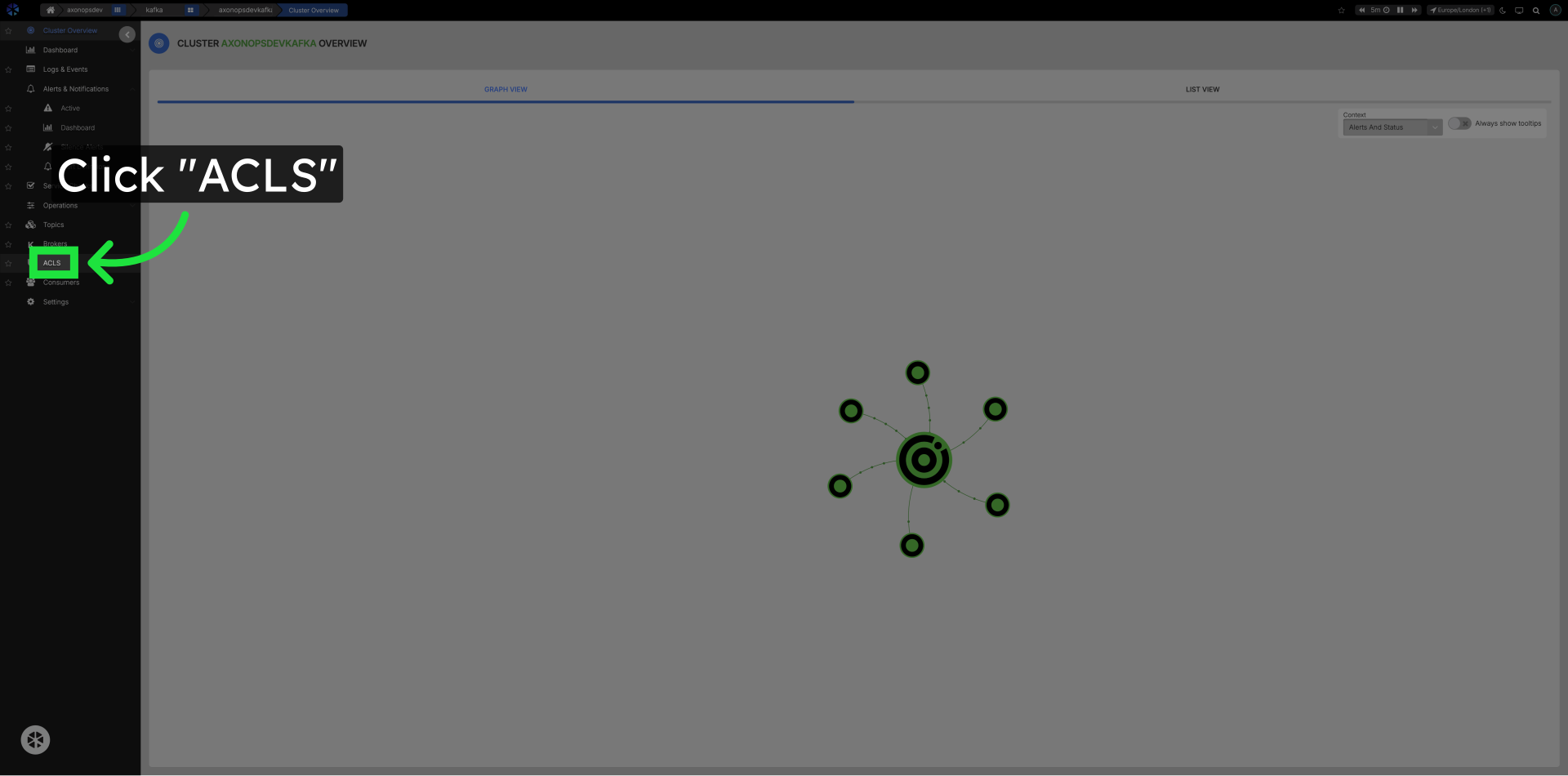
Click ACLs in the Left Navigation.
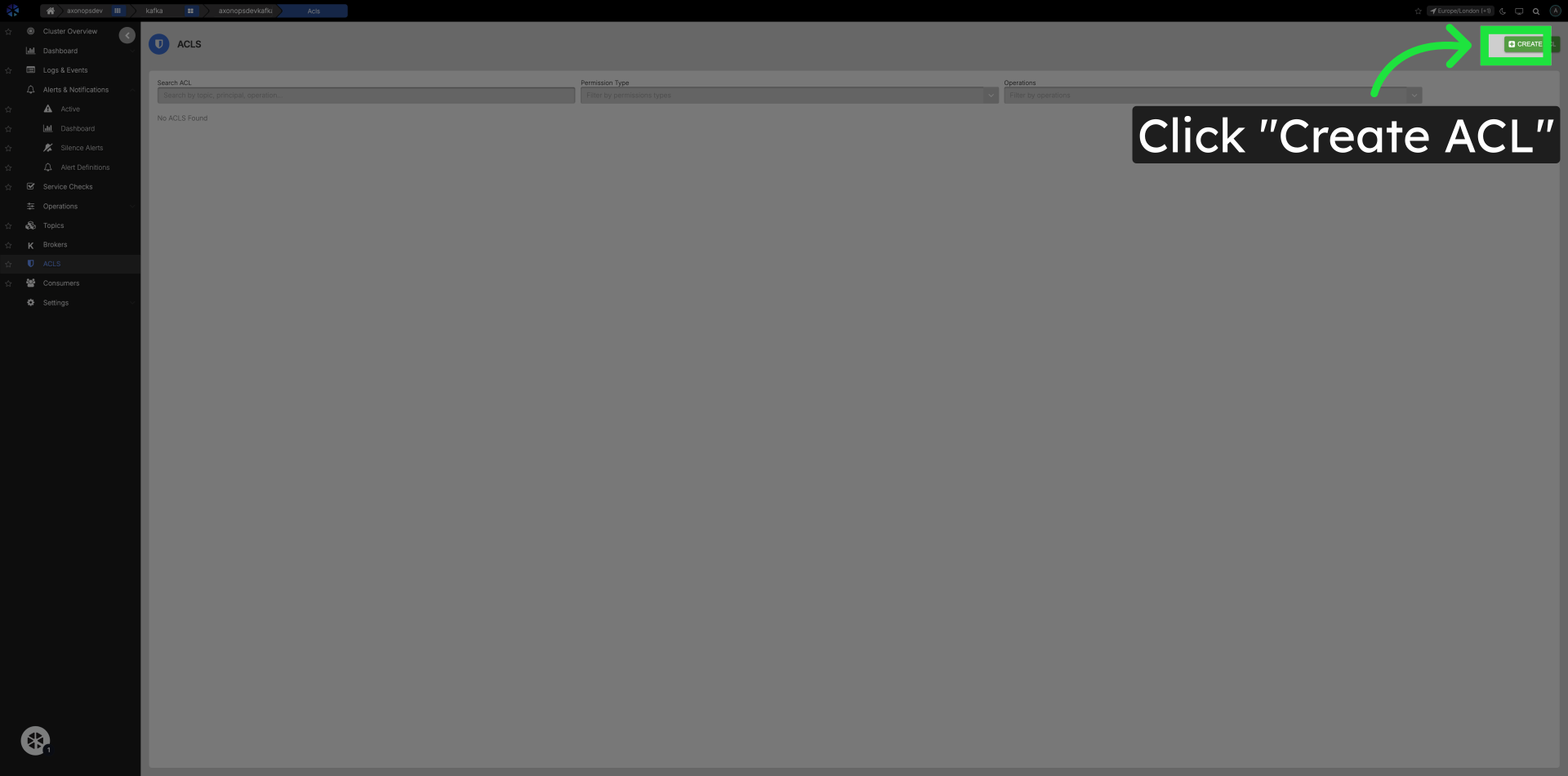
Click Create ACL Button.
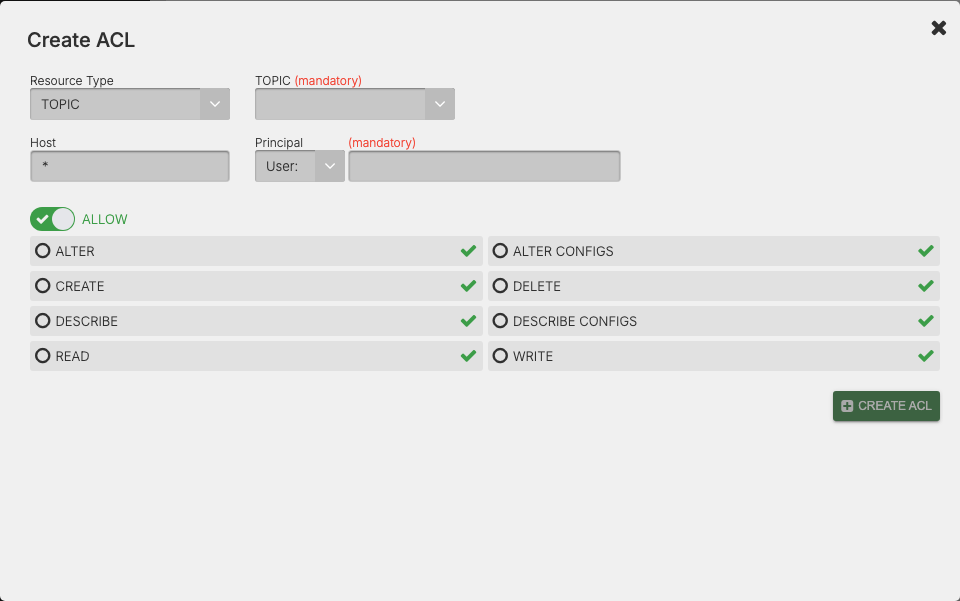
On the ACL Create screen complete the following fields:
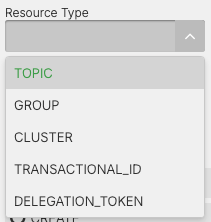
Select the ACL Resource Type.
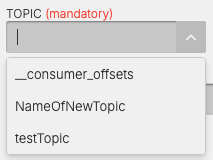
Select the Topic to apply the ACL too.
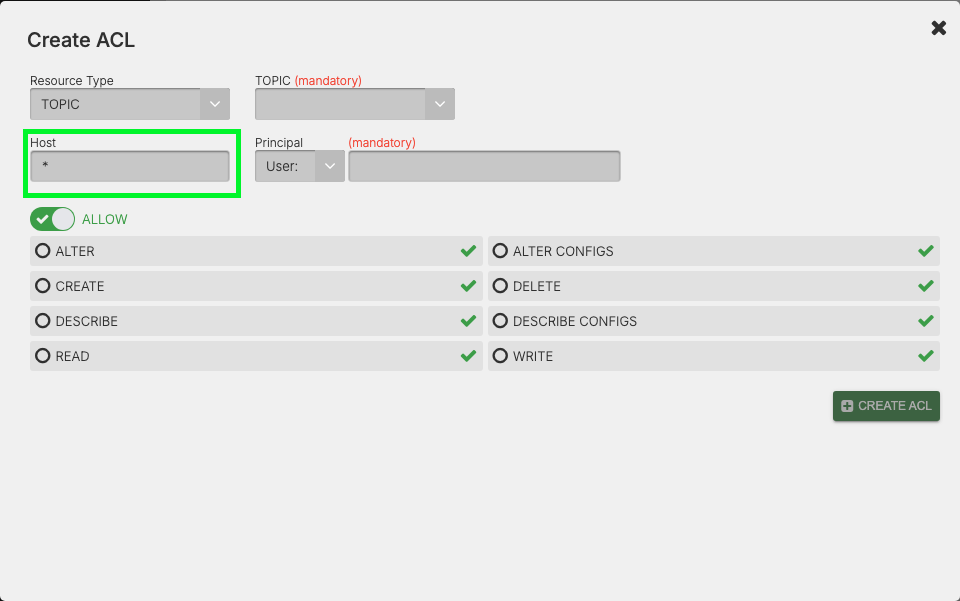
Edit the Host that will have access to the Topic.
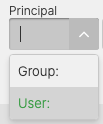
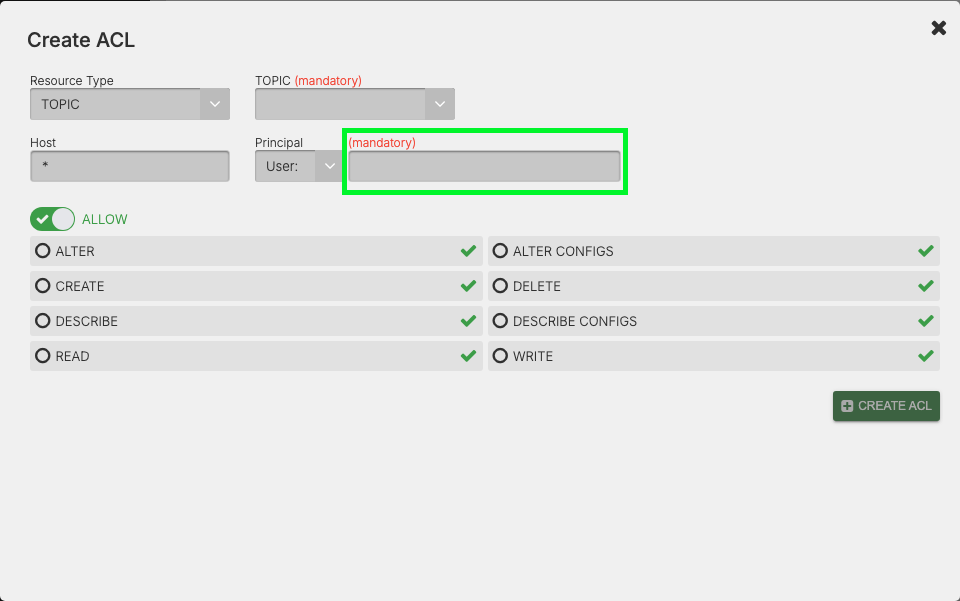
Select Principal User or Group and Principal Value
The user or application (e.g., User:alice, User:app1, Group:developers)
Select the Operation of the ACL.
If you toggle the Operation switch it will flip between
Allow
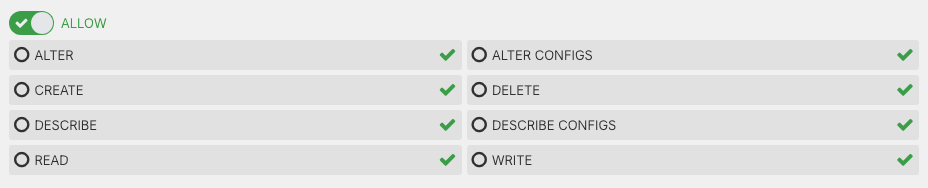
Deny
