Delete Kafka ACL with Axonops
 

The new ACL deletion feature in Axonops is designed for Kafka administrators looking to streamline access control management. By simplifying the process of removing unnecessary ACLs, this feature enhances security and operational efficiency, ensuring that only the right users have access to critical resources.
Go to 0.0.0.0:3001
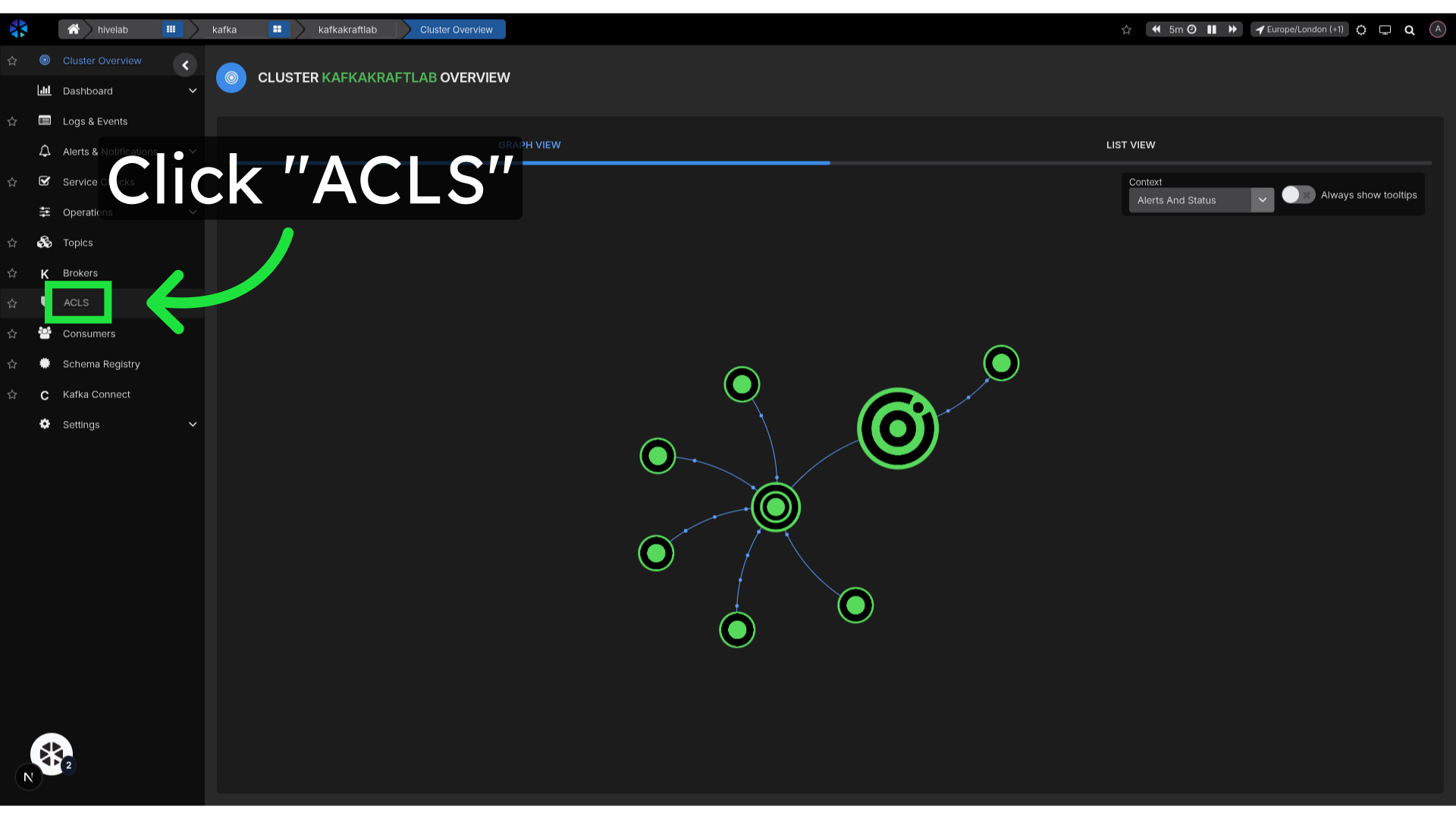
1. Click "ACLS"
Revisiting the ACLs section allows you to see all current access controls, making it easy to identify which ones need to be modified or removed.
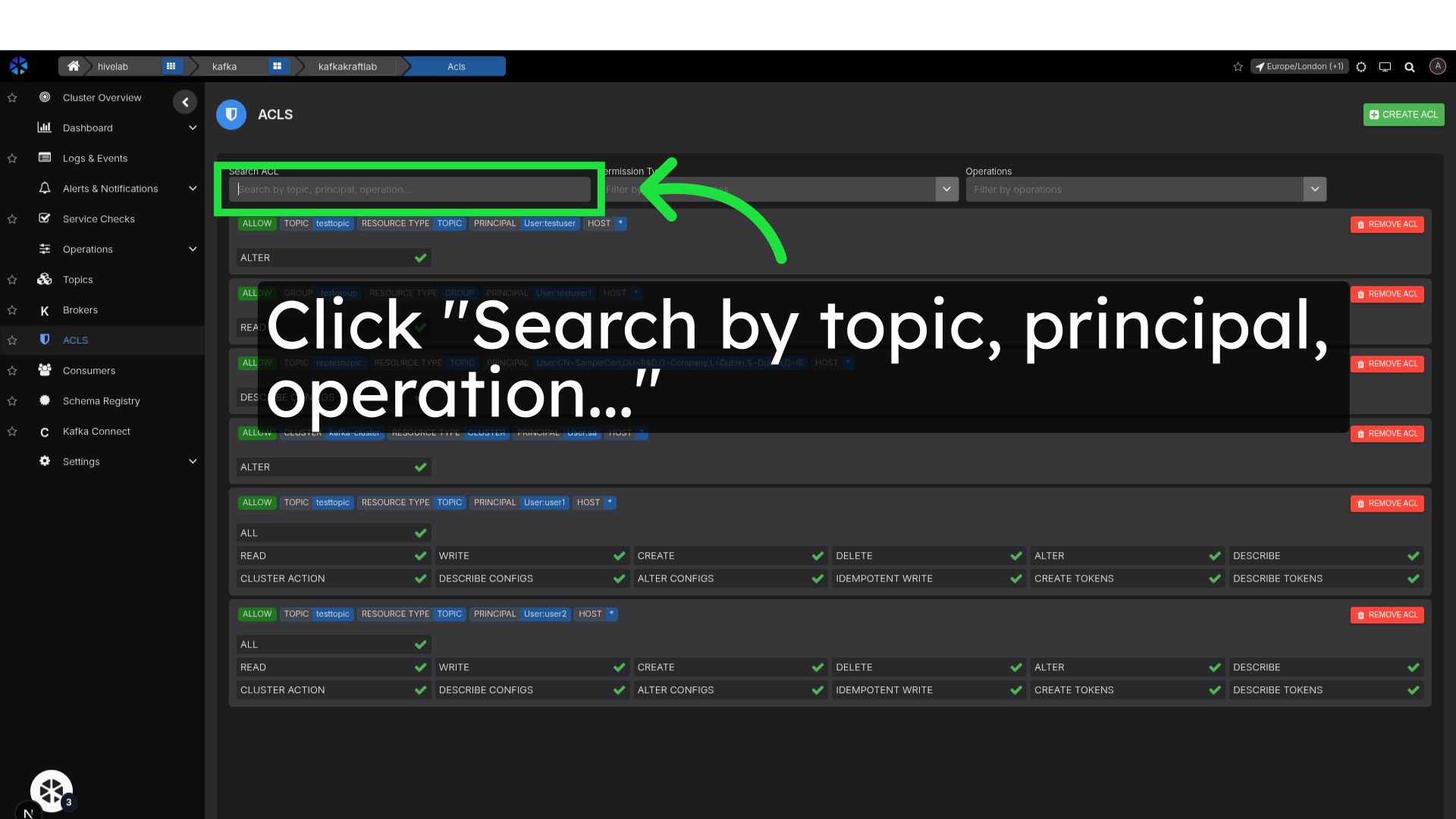
2. Click "Search by topic, principal, operation..."
Utilizing the search function streamlines the process of finding specific ACLs, saving you time and effort in navigating through numerous entries.
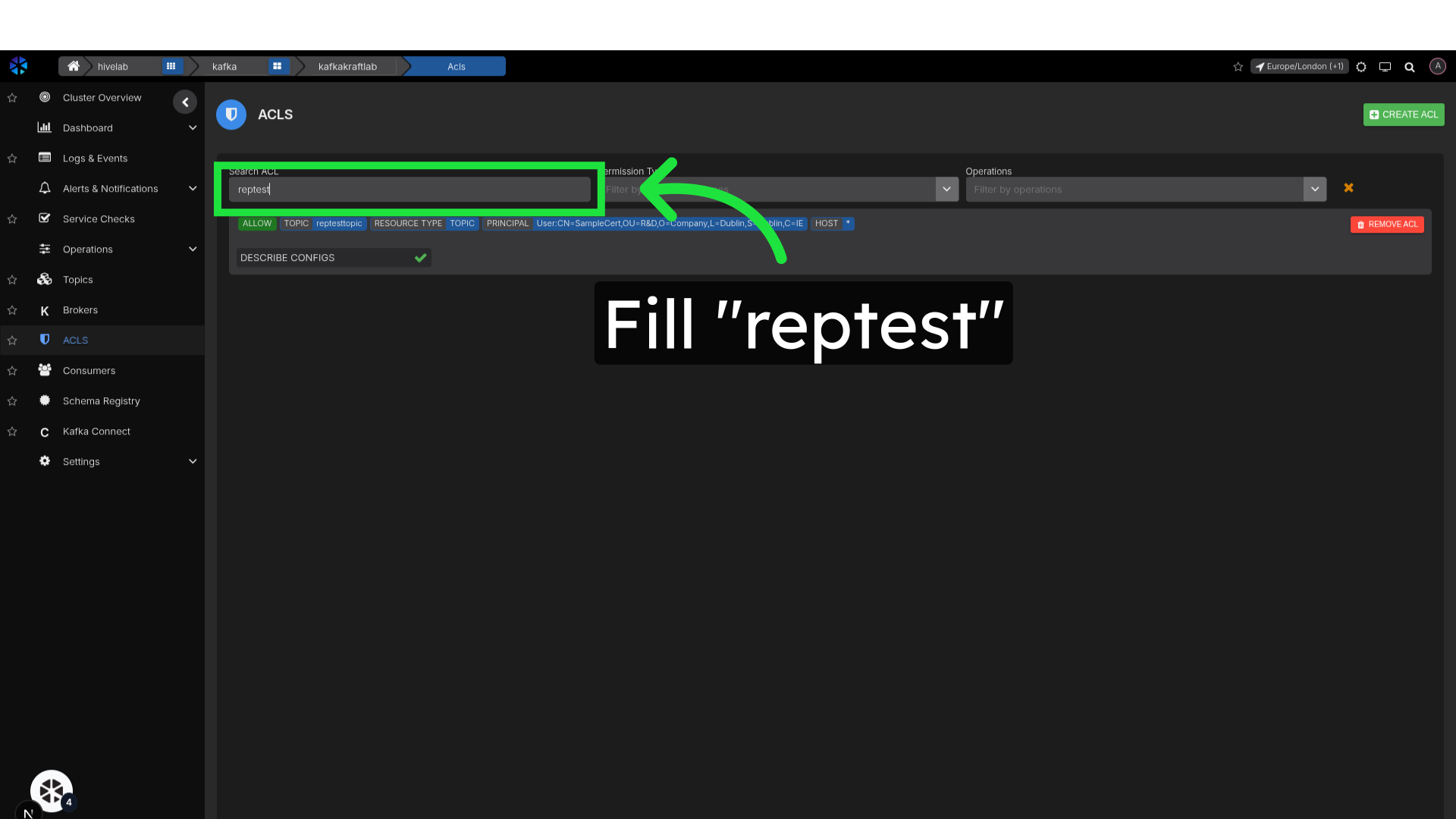
3. Search for ACL
Search by topic, principal or operation to find the ACL you want to delete
4. Click "Remove ACL"
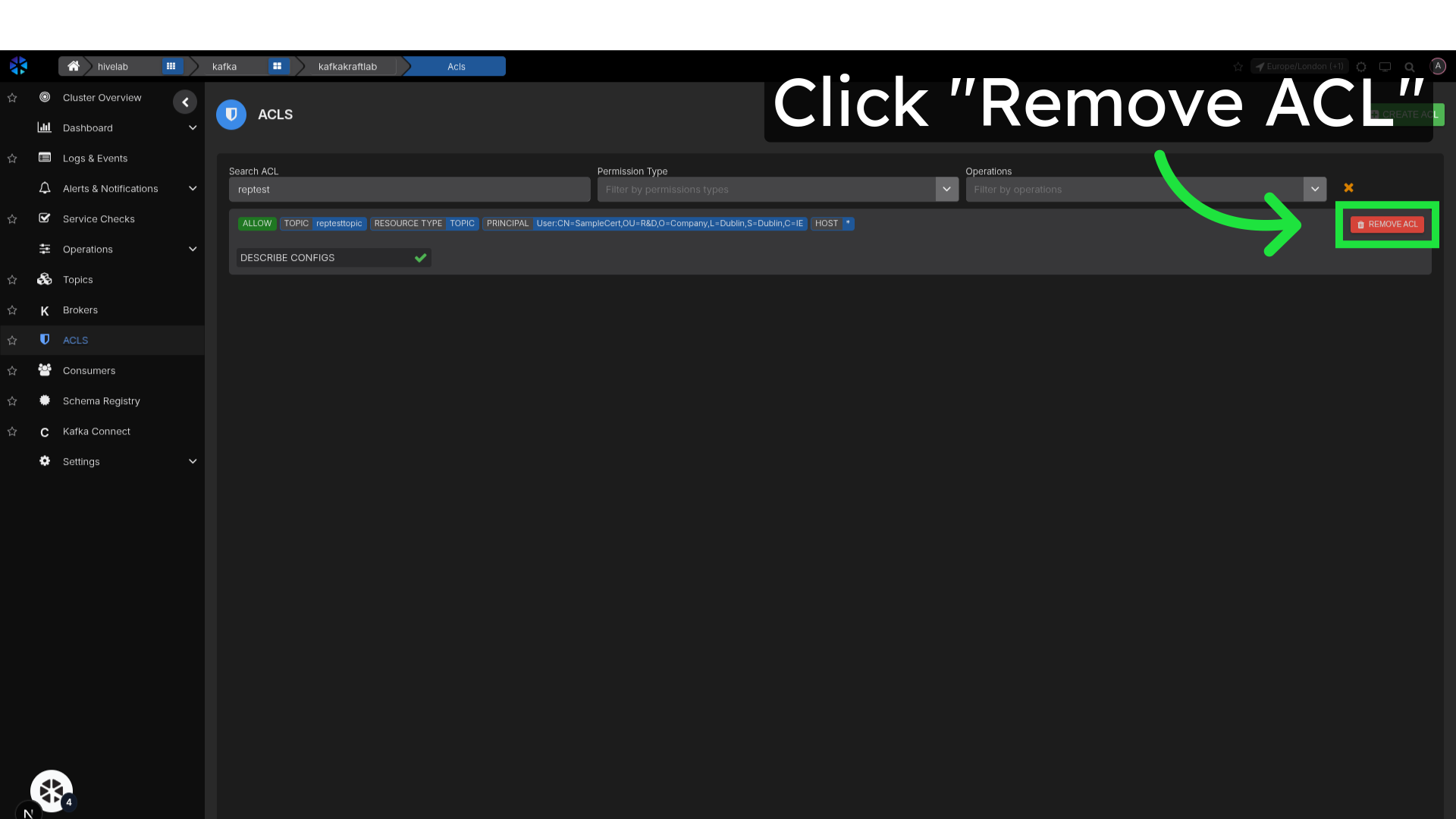
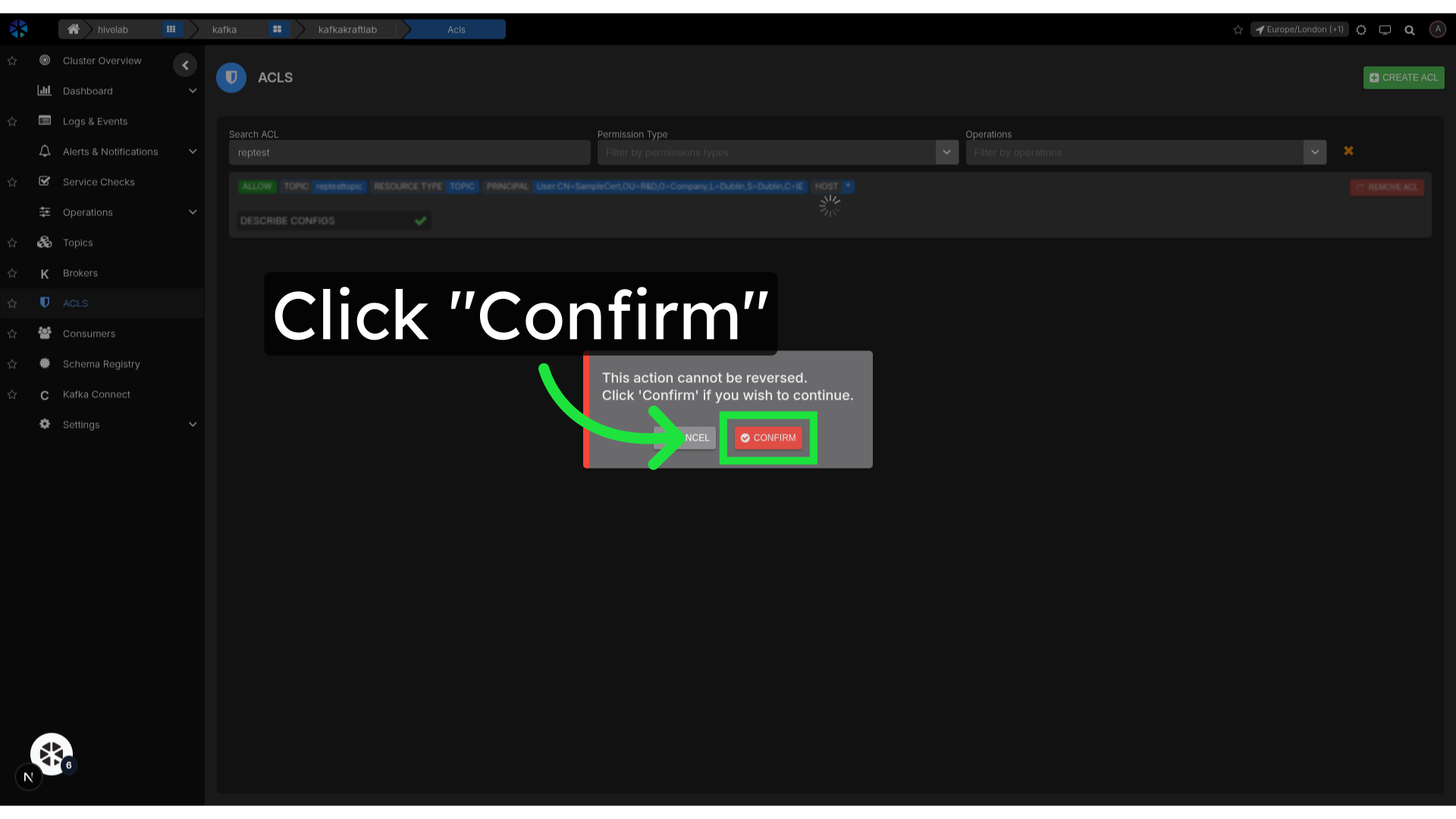
5. Click "Confirm"
Confirm deletion of the ACL