Kafka Topics
Topic Configuration
Topic configuration refers to the settings that control the behavior and characteristics of a Kafka topic. These configurations can be set at the time of topic creation or modified later.
Core Topic Configuration Options
| Option | Description | Example/Default Value |
|---|---|---|
| retention.ms | How long (in milliseconds) to retain messages in the topic. | 604800000 (7 days) |
| retention.bytes | Maximum total bytes to retain in the topic. | -1 (unlimited) |
| cleanup.policy | How old data is removed: delete (default) or compact (log compaction). | delete |
| min.insync.replicas | Minimum number of replicas that must acknowledge a write for it to be considered successful. | 1 |
| segment.bytes | Size of each log segment file. | 1073741824 (1 GB) |
| segment.ms | Time after which a new log segment is rolled. | 604800000 (7 days) |
| max.message.bytes | Maximum size of a single message. | 1048588 (1 MB) |
| compression.type | Compression algorithm for topic data: gzip, snappy, lz4, zstd, uncompressed, producer | producer |
| message.timestamp.type | Whether to use CreateTime or LogAppendTime for message timestamps. | CreateTime |
For all Apache Kafka Topic Configuration options please see Apache Kafka Topic Configs
How to change configuration options:
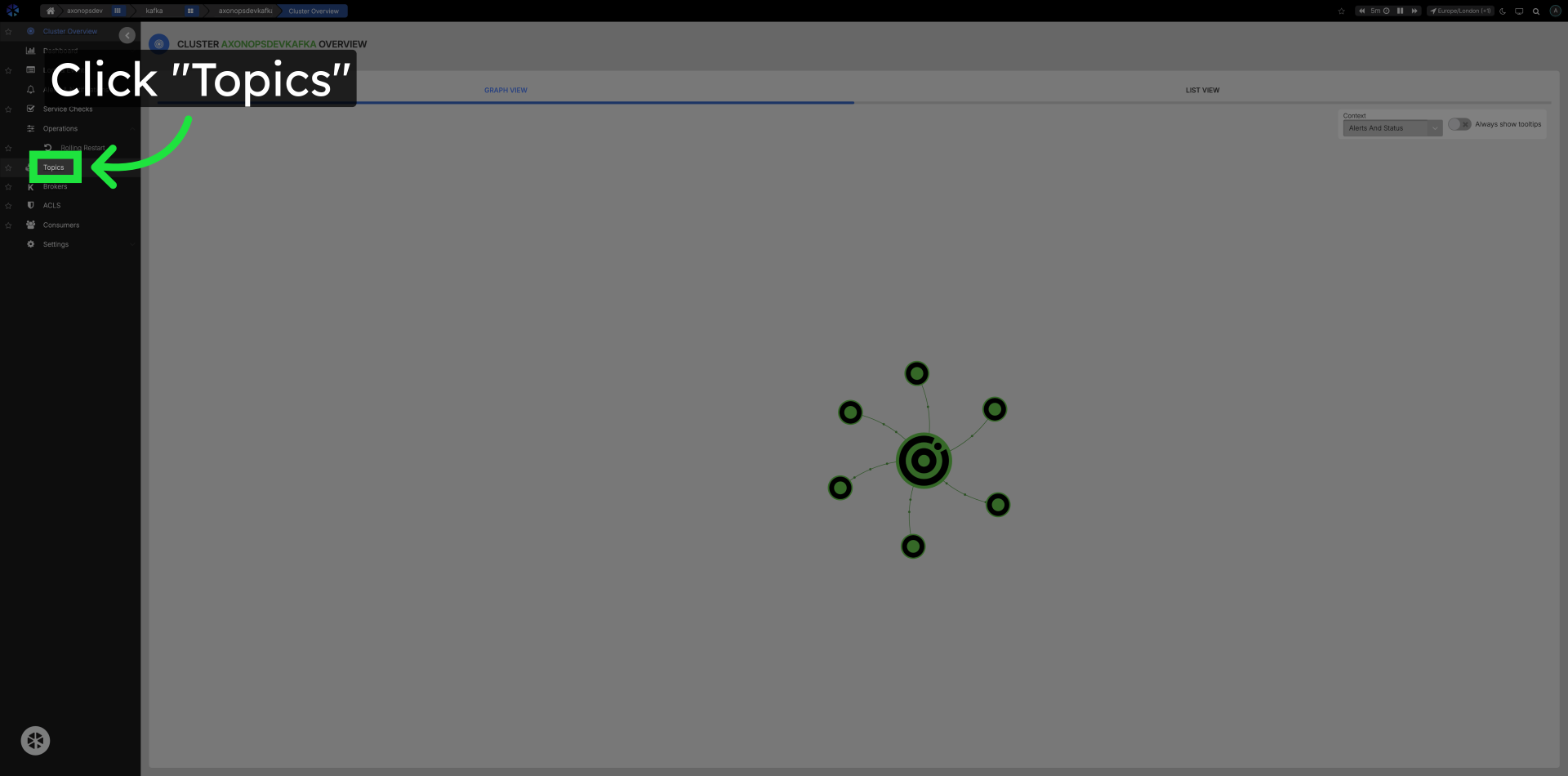
Click Topics in the Left Navigation.
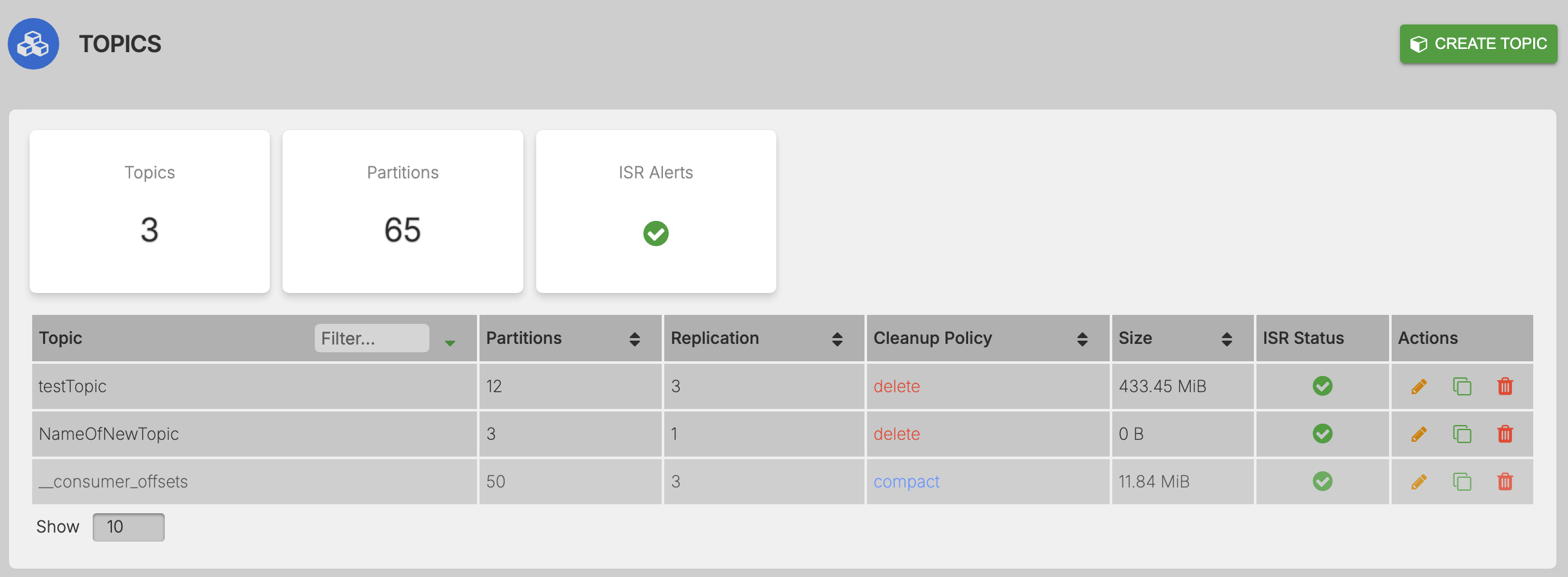
Go to the Topics section.
Click the name of the topic to edit.
Click on the topic name in the list to open the condifuration and metrics popup.
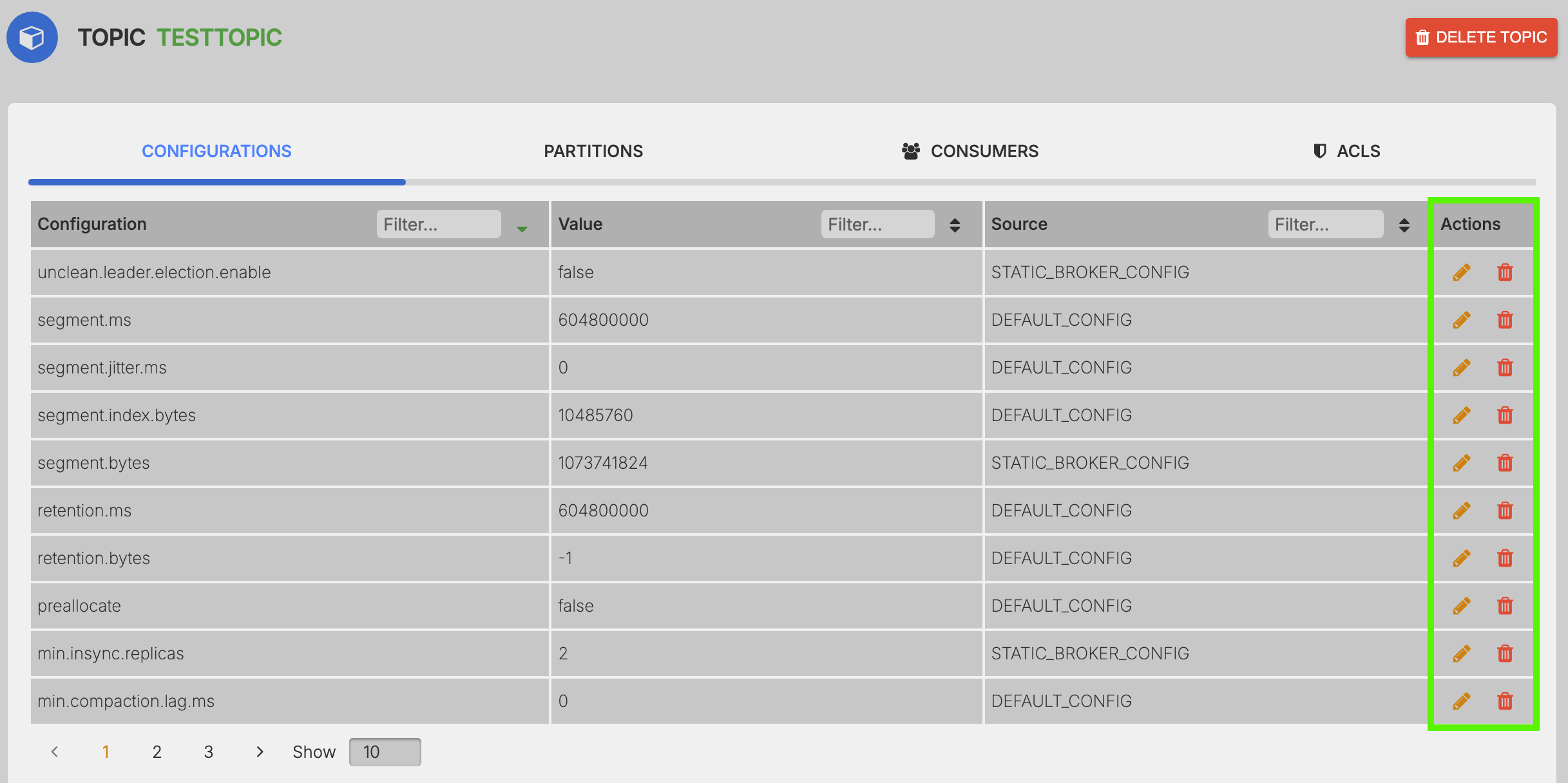
Filter specific config options by name value or source.
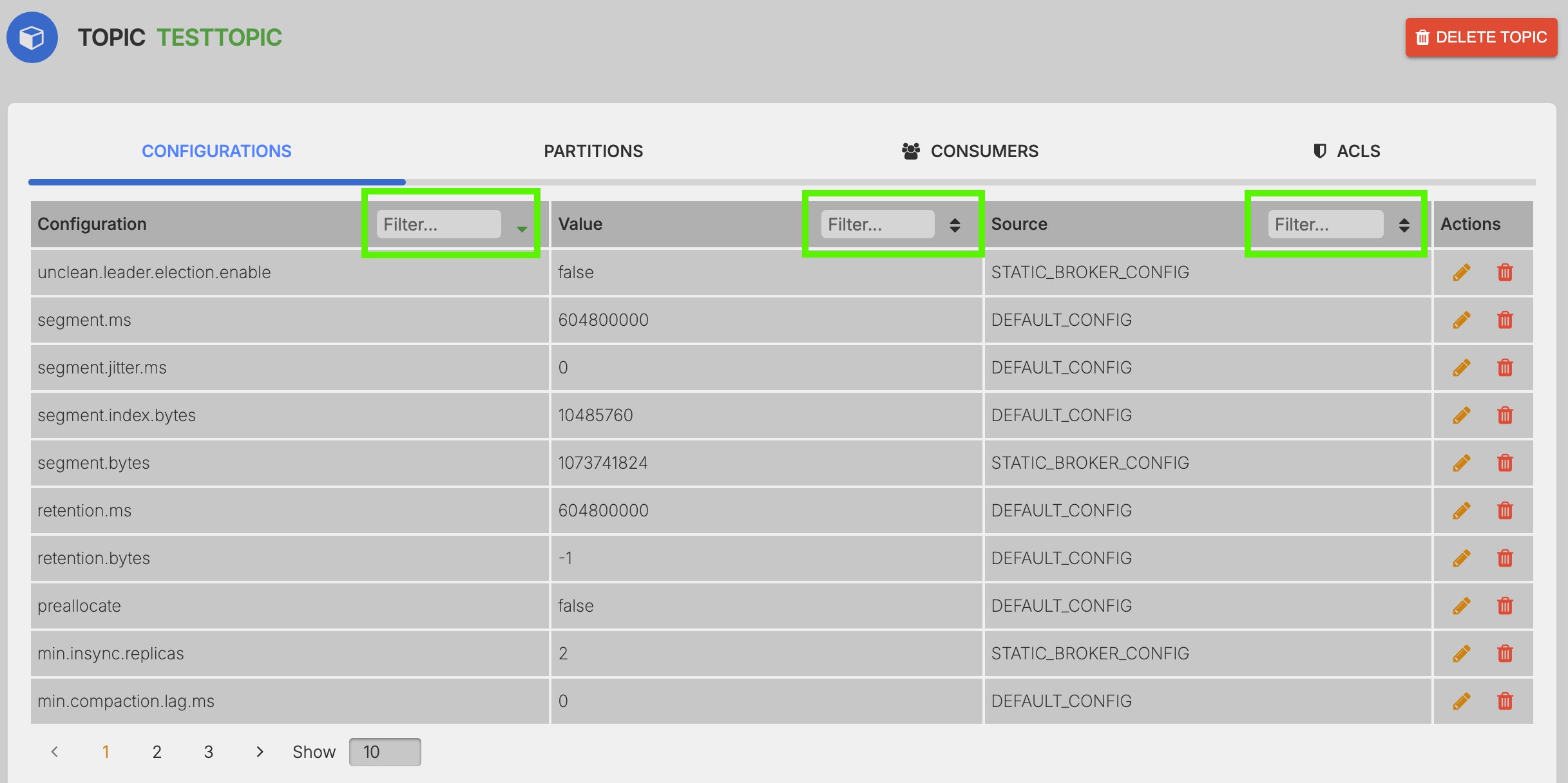
Edit or Delete configuration option.
Perform the specified action.
- Edit Config :
- Delete Config :
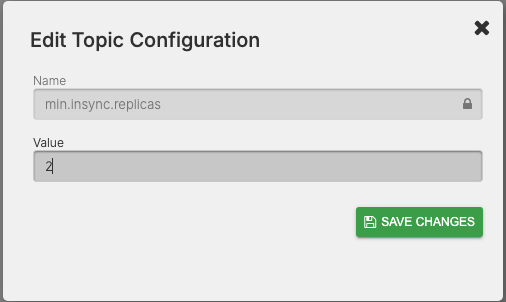
Update/Change the value of the confiuration option.
Update the value to the required value and Save Changes